How LingerCam works
A host sets up an event in five short steps and puts one code on the tables. Guests shoot through the night with a set number of shots each, and nobody sees a photo until the reveal, when the whole event arrives for everyone at once.
Everyone sees the photos tomorrow at 10:00.
Everyone sees the photos tomorrow at 11:00.
Everyone sees the photos Monday at 20:00.
Everyone sees the photos tomorrow at 12:00.
Everyone sees the photos tonight at 21:00.
Scan to join. No download needed.
Scan to join. No download needed.
Scan to join. No download needed.
Scan to join. No download needed.
Scan to join. No download needed.
Setting upThe host does this once, in the app. It takes a couple of minutes, and the event stays a draft until the host starts it.
- The occasionWedding, birthday, trip, party or just everyday. The choice fills in suggested rules, a look and a guest count, and the host can change any of them.
- Name and timeA title of up to 60 characters, the date, when the camera opens and when it closes, and a cover photo if you'd like one. A trip can set its own time zone.
- The rulesWhen the photos appear: right away, when the event ends, the next morning at 10:00, or at a time the host picks. How many shots each guest gets, from 5 to 36. And who sees the photos afterwards, every guest or only the host.
- The lookOne film for every photo: Natural, Warm '98 with soft grain and a warm flash, or Mono in high-contrast silver. Guests see it in the viewfinder as they shoot.
- Guests and priceUp to 10 guests is free. Larger events are one payment by guest count, from $9.99 for 30 guests to $49.99 for 250, and unlimited shots can be added for $9.99.
- The inviteThe event gets a QR code and a six-character code, to share as a link or print as table cards. Each card carries the code and one line of rules, and four fit on a page.
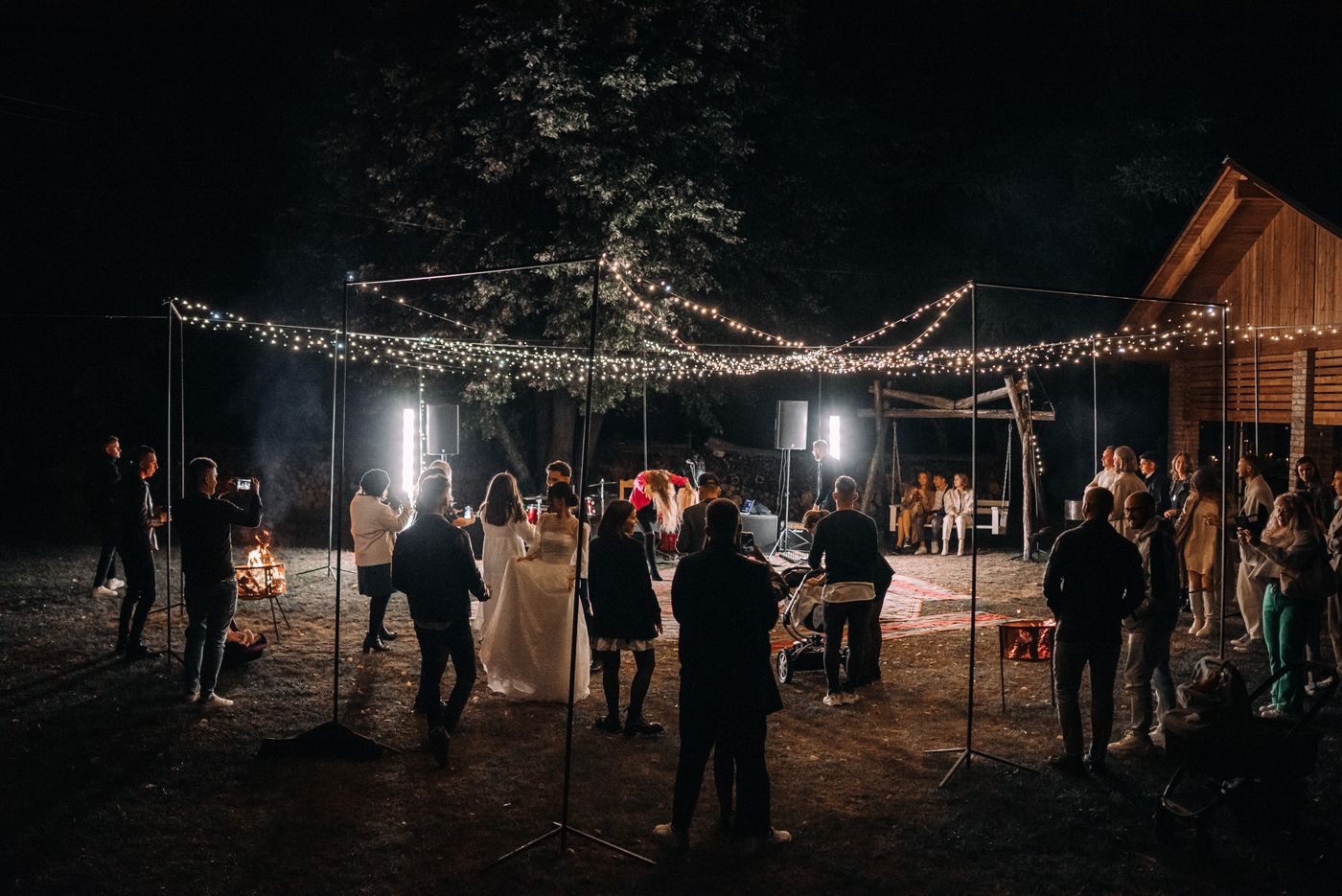
While it's liveThe host runs the event from the same app, from the Manage sheet.
- Change plansChange the name, the cover and the end time, move the reveal later, or keep the photos to yourself. The reveal can't move earlier once guests are shooting, and the look and shots per guest stay fixed, so every photo matches and every guest has the same roll.
- End earlyEnd now closes the camera for every guest. Before you confirm, the app shows when the photos will appear.
- Make roomWhen the event is full, new guests can't join. Make room moves it to a larger size, so the next person can.
- Shoot tooThe host takes photos at their own event without using a guest place.
- Who's therePeople lists everyone who joined. The host can remove a guest, with their photos, and that phone can't join again.
Afterwards
At the reveal time everyone gets a notification and the gallery opens, with every photo signed by the guest who took it. The host can watch the recap, see who shot what, and save every photo into an album named after the event.